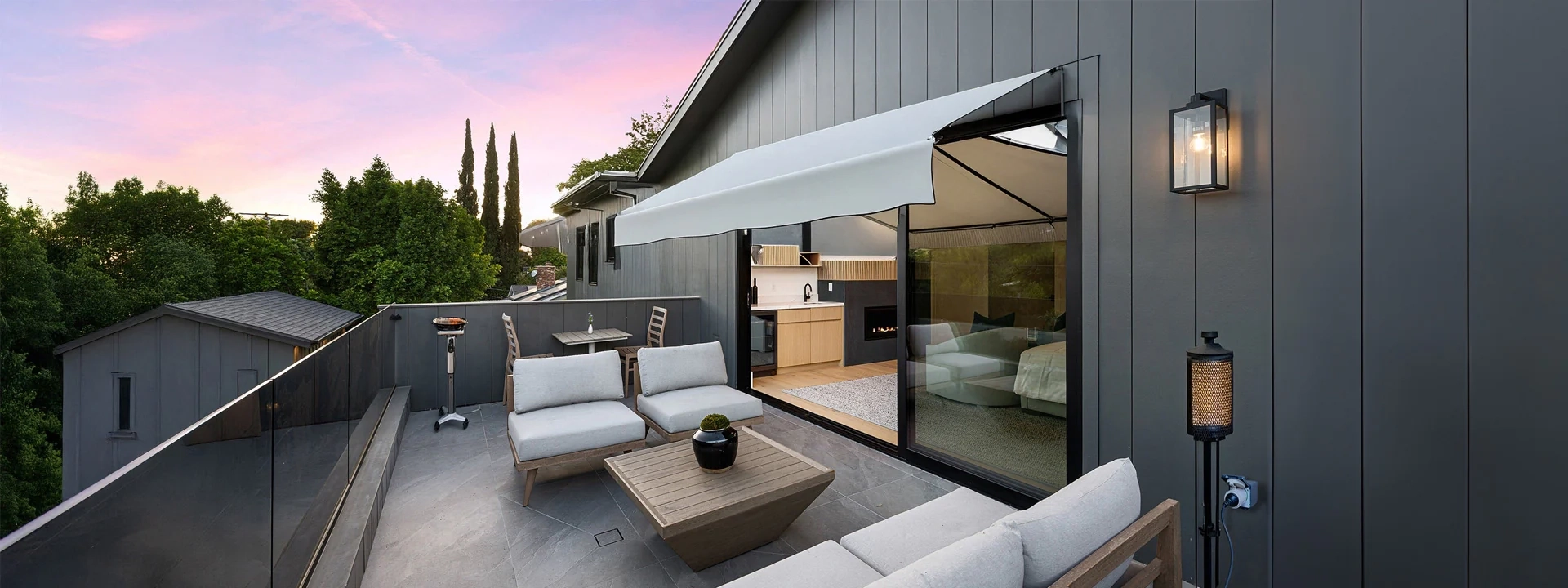
• teaser.webp

Find the right Shelly device for your project

Our configurator will help you choose

Not sure which Shelly device is best suited to your requirements? No problem! With just a few details about your planned application, we will guide you step by step to the optimum solution. Whether for lighting, shutters, heating or energy monitoring - we'll show you exactly what you need

.

Load existing project

If you already have a configuration code, enter it here to call up your project again and continue working on it.

Create new project

You can plan your next project with the project configurator.

apartment
Building / Apartment

Define a complete configuration for your entire building or apartment.

meeting_room
Single room

Configure a specific room, e.g. lighting control, roller shutters, sensors.

workspaces
Single project

Create a single project.

Name project

Give your project a unique name. This will help you to save, manage or find the configuration later (e.g. „House Smith - ground floor“ or „new building 2025“).

Project code

You can use this code to retrieve your project later.

Manage rooms

Here you can define the rooms in your project. Give each room a unique name. You can add more rooms or remove existing ones at any time.

Log in

Here you can log in to save your projects.